
“Dad, can I play one more round of vocab, please?”
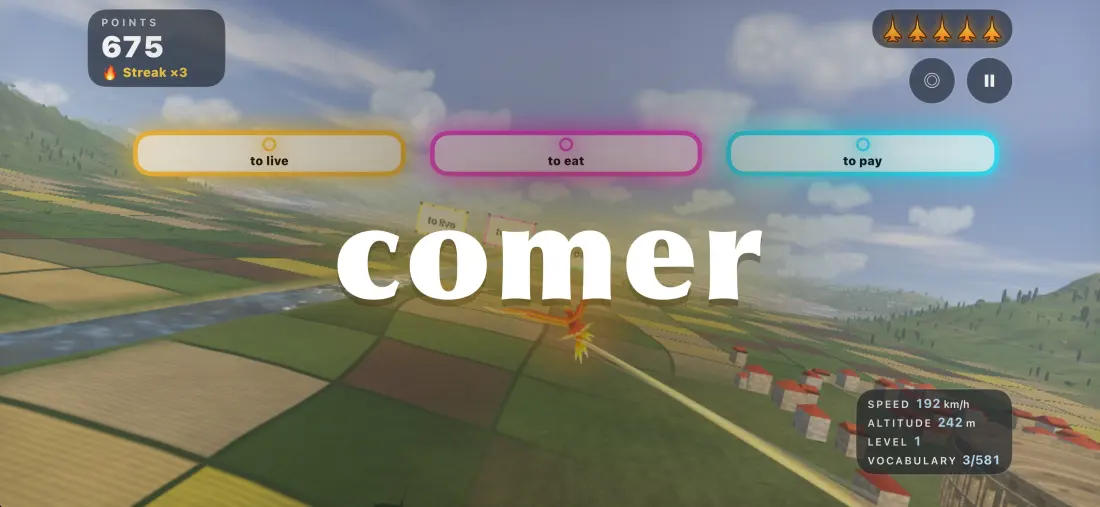
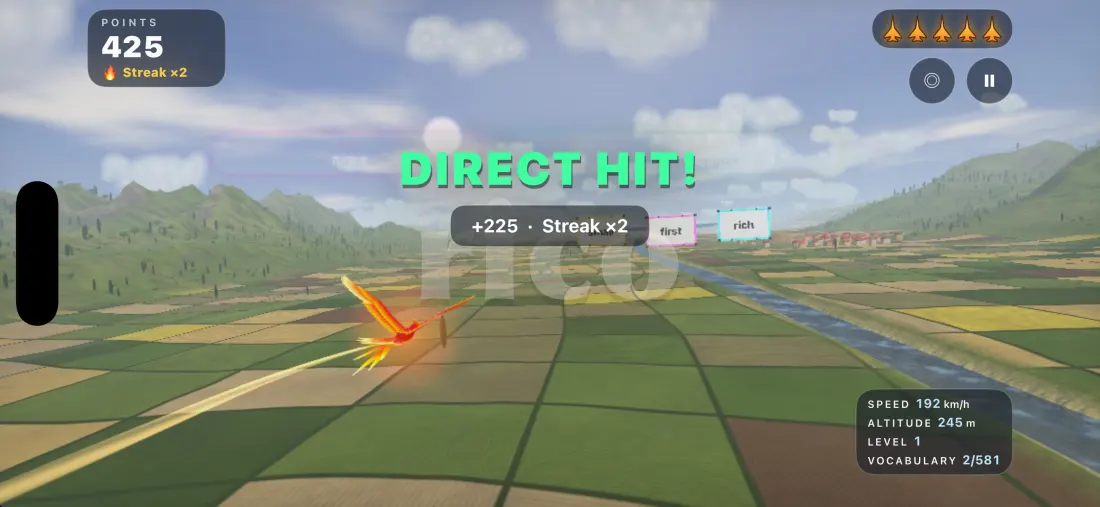
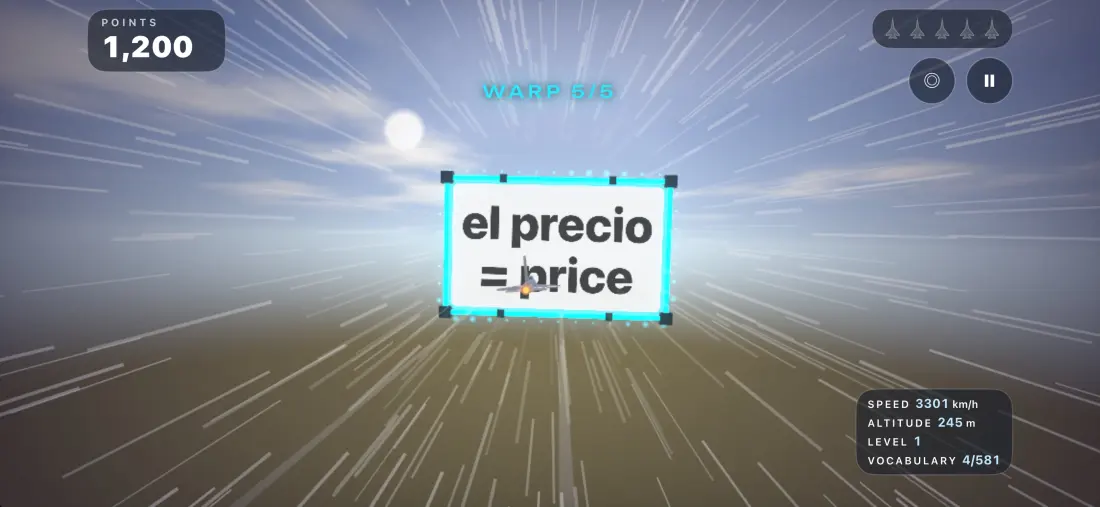
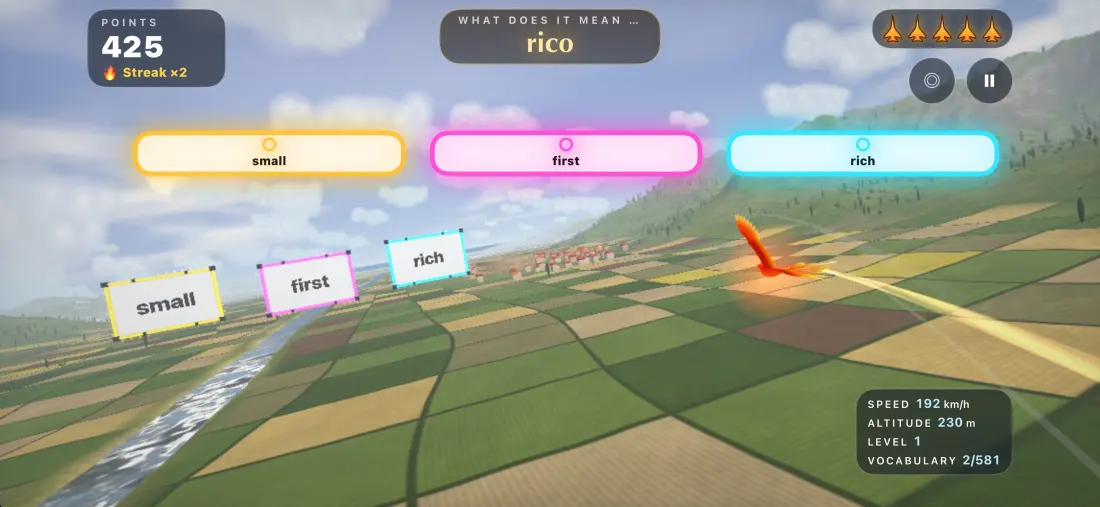
This app was built to hear that sentence. Read the word, aim, and fly through the right answer.
Get it on the App Store iPhone & iPad · Free to start, Pro optionalTry it: move your mouse or finger across the landscape and fly through the right answer. Arrow keys work too.
Read. Aim. Hit.
Four things that turn practice into a game.
Nine aircraft, from jet to unicorn
Three come free, including the fighter jet and the flamingo. Pro opens the whole hangar.
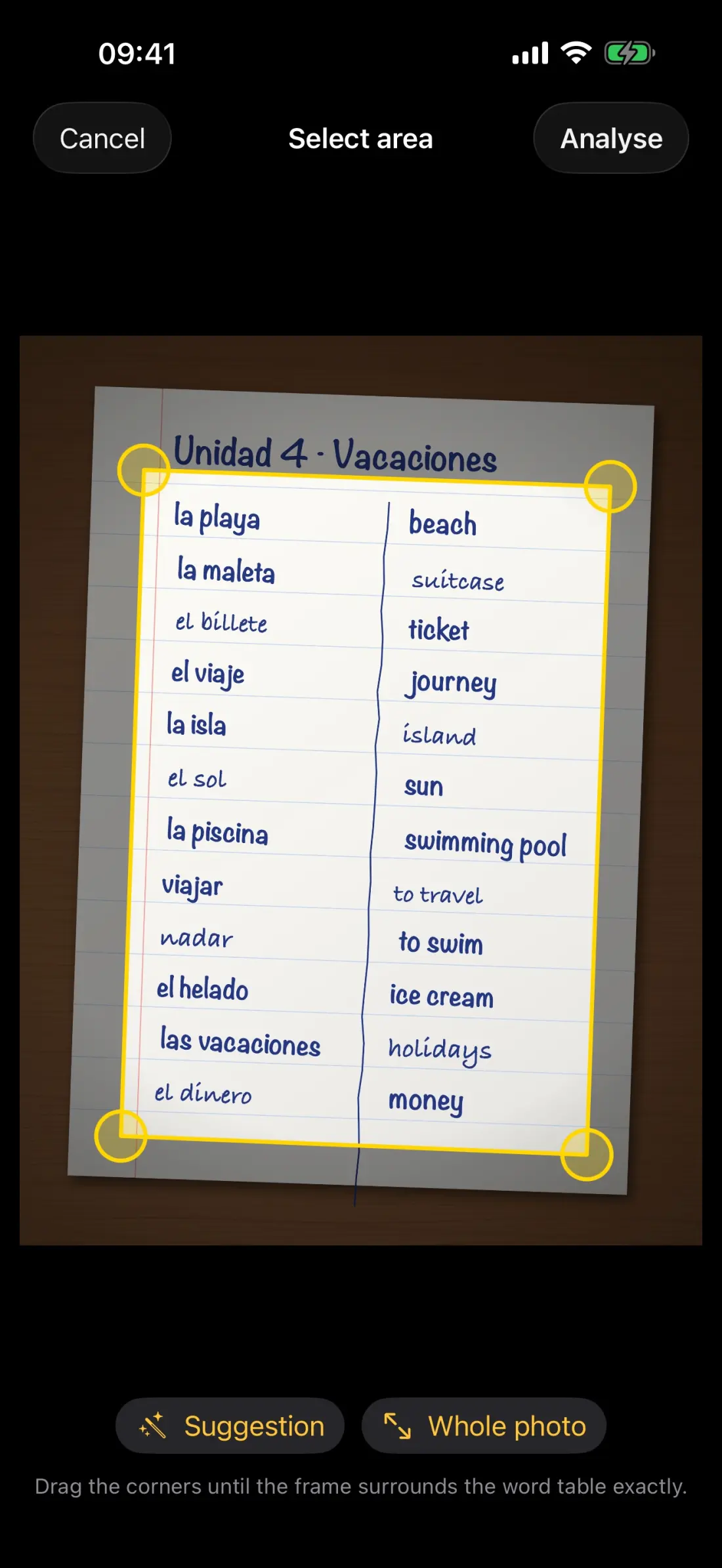
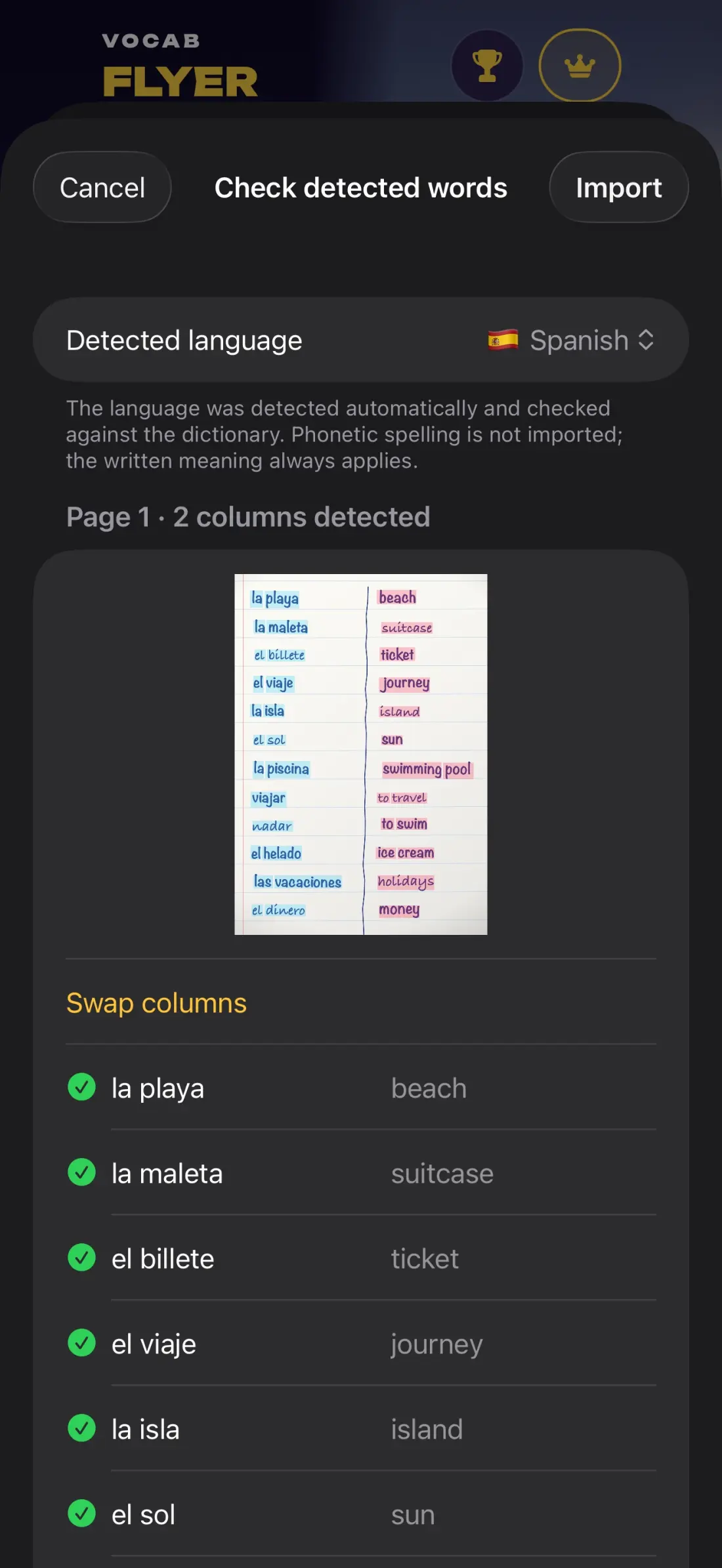
Even handwriting is recognised
Photograph a notebook, textbook page or worksheet: table, columns and words are recognised offline, on the device, and your own lesson is ready.
500+ words per language
Spanish, French, German, Italian, Portuguese and Latin. Every word is read aloud, even offline.
Peace of mind for parents
- No ads
- No tracking, no account
- Works offline
- Photos stay on the device
- Made in Germany
From a dad of threeI know how hard it is to get kids to practise vocabulary. So I built a game that is simple enough and fun enough for them to stick with it.
Parents, teachers and creators: our DMs are open
Want to feature the app or use it in class? Get in touch by email or on Instagram.
Help & FAQ
How much does it cost?
The download is free, with basic vocabulary, 20 random words per flight and three aircraft. Vocab Flyer Pro is an optional subscription. Prices are shown in the app.
How do I steer?
Tilt your device like a steering wheel or tap the screen, for example right on a sign.
How do I restore my subscription?
Tap ⓘ in the app, then “Restore Purchases”.
How do I cancel my subscription?
In the app under ⓘ → “Manage subscription”, or in iOS Settings → your name → Subscriptions.
The scan isn’t working. What can I do?
Photograph the list straight on and in good light, then adjust the suggested area. You can correct every line before you import it.
How do I import my own list?
Use a text file with one word per line, for example casa;house.